Pet Memories
How to Organize Thousands of Pet Photos (and Remember the Stories Behind Them)
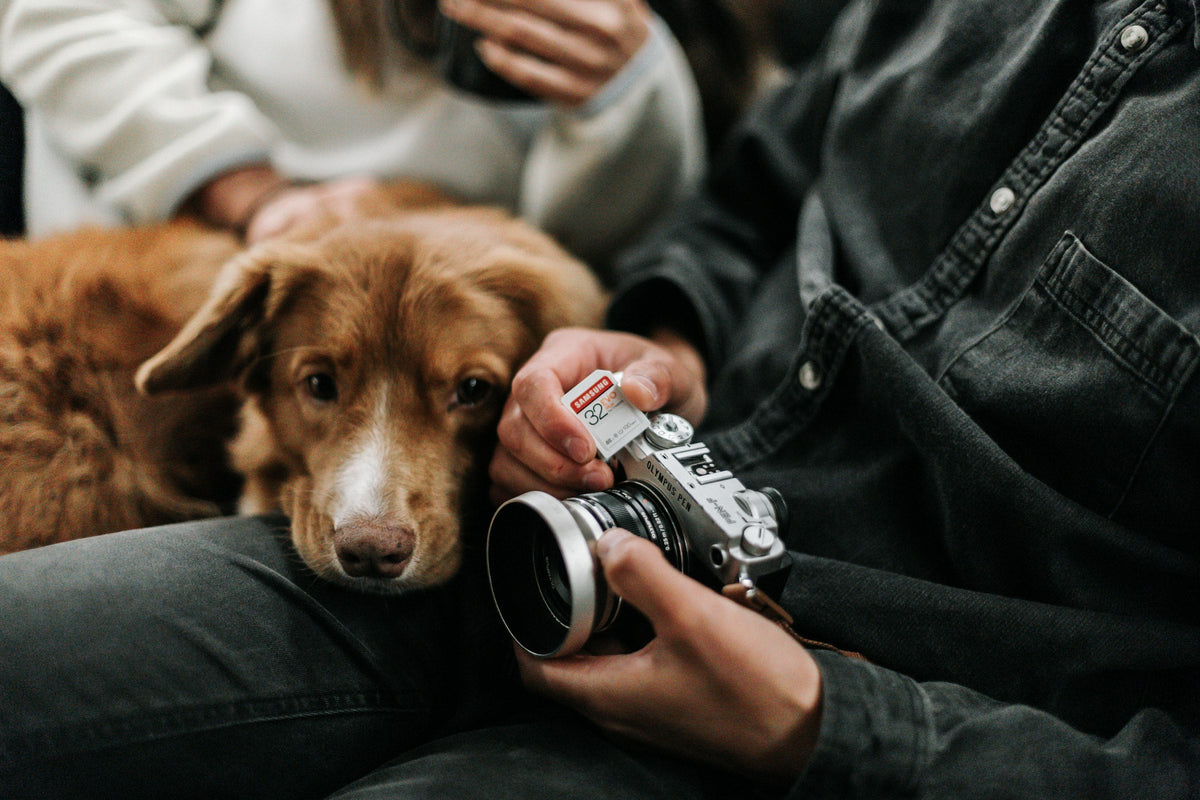
If you have a pet, you probably have thousands of photos of them. Scroll back a year and you’ll find fifty nearly identical pictures of the same nap, and somewhere between them, the one picture you actually love. The trouble isn’t taking photos. It’s that the camera roll keeps the picture and quietly loses everything around it: where you were, who was there, what had just happened.
Here’s a simple system you can do in one afternoon, and a tiny habit that keeps it from piling up again.
Step 1: Make one album — not twenty
Create a single album or folder called your pet’s name. Every photo you want to keep goes there. Fancy category trees are where good intentions go to die.
Step 2: Sort by year, quickly
Most phones let you browse by year or month. Work through one year at a time. For each burst of similar photos, keep the one best shot and move on. Don’t delete anything yet if it makes you nervous — just favorite the keepers.
The keeper test: keep a photo if it’s sharp and beautiful, or if it reminds you of a story. Blurry-but-hilarious beats perfect-but-forgettable.
Step 3: Use your phone’s search
Photo apps on iPhone and Android can recognize pets, places and objects. Search for “dog”, “cat”, “beach”, “snow” or a place name to find clusters fast. Some apps let you name a recognized pet so they appear in their own collection — worth a minute of setup.
Step 4: Pick your “story photos”
Out of each year, choose ten to twenty photos that stand for something: the first day home, the first snow, the trip, the birthday, the ordinary afternoon that felt perfect. These are the ones that deserve words.
Step 5: Write the story while you still can
For each story photo, write a few lines:
- When and where was this?
- Who was there?
- What happened just before the picture?
- What was funny or surprising?
- Why does it matter?
You’ll be amazed how much you remember once you start — and how much is already fuzzy. That’s the point. Write it now.
Step 6: Back it up twice
Keep your pet album in your phone’s cloud service and one other place: a computer, an external drive, or a second cloud service. Photos are lost far more often to a broken phone or a cancelled account than to anything dramatic.
Step 7: The habit that keeps it tidy
Once a month, take ten minutes: favorite the best new photos, add them to the album, and write one story. That’s it. Twelve stories a year is a book after a few years.
Turn the photos into a story
If you’d like a place for those story photos, Your Pet Memory gives each one a frame and a page — with date, location, who joined us, what happened, the funniest moment and what you want to remember. Or start with our guide to making a pet memory book.
FAQ
What’s the fastest way to find pet photos on my phone?
Use the search in your photo app (for example “dog” or “cat”) and, where available, name your pet in the app’s people-and-pets feature.
Should I delete duplicates?
Eventually, yes — it makes the good photos easier to find. But favoriting the best shot first means you never risk deleting the one you love.
How do I remember where a photo was taken?
Many photos store location data; your photo app can often show it on a map. For everything else, write it down — the sooner the better.