
01
Choose a memory
Pick one of the 100 experiences — any page, any order. There’s no deadline and no right way.
How it works
From your first photograph to a printed keepsake — a calm, step-by-step guide.
How it works
Pick one of the 100 experiences — any page, any order. There’s no deadline and no right way.
Go and do it together. A new trail, a slow Sunday, the first snow, a birthday at their pace.
Add the photo, the date, the place, who joined you and the little details you’ll want to remember.
Mark it complete, save your personal copy with your words and photos — or print it, page by page.
See it working
Every activity has its own page: a frame for your photograph and guided spaces for everything a photo can’t hold.
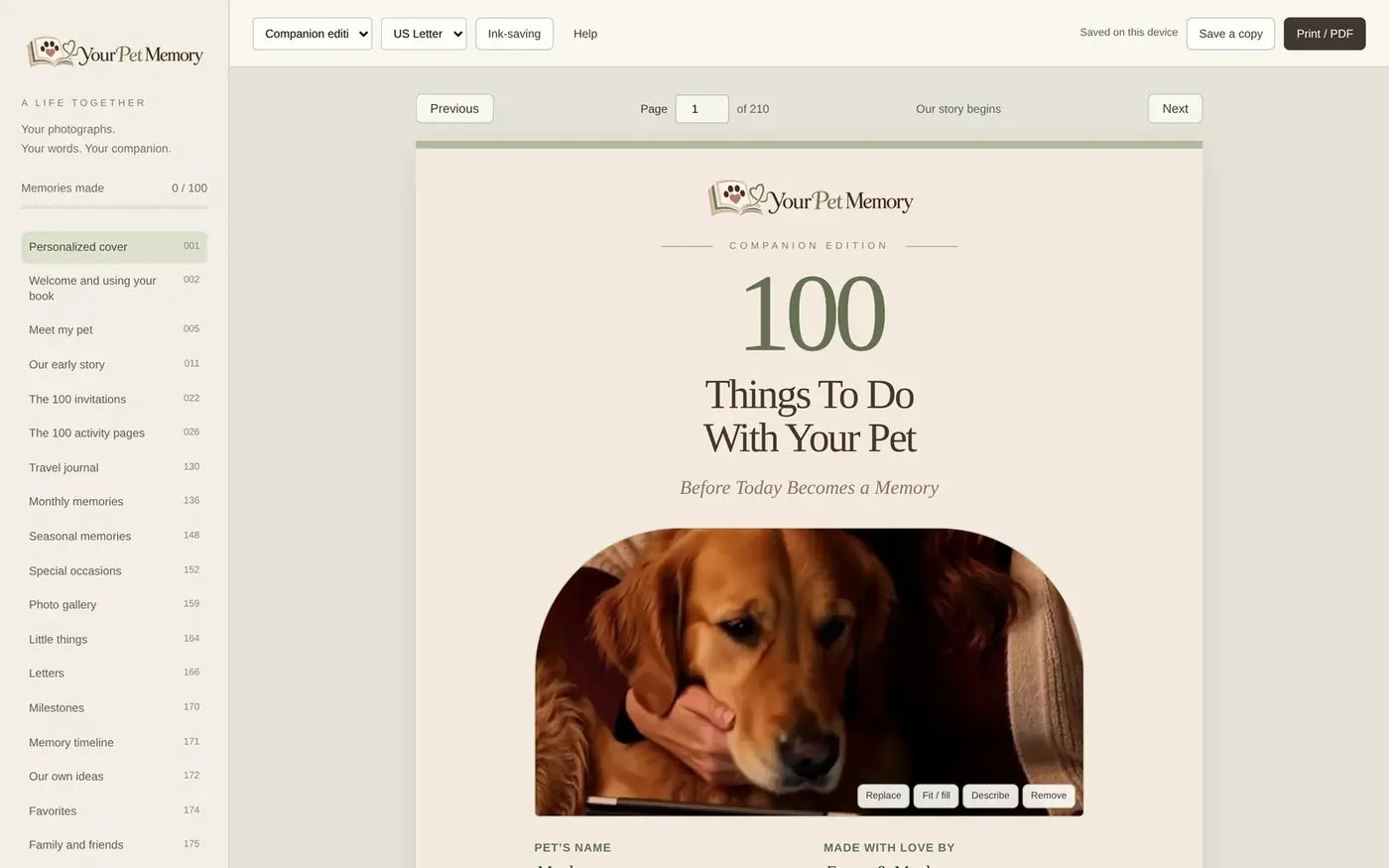
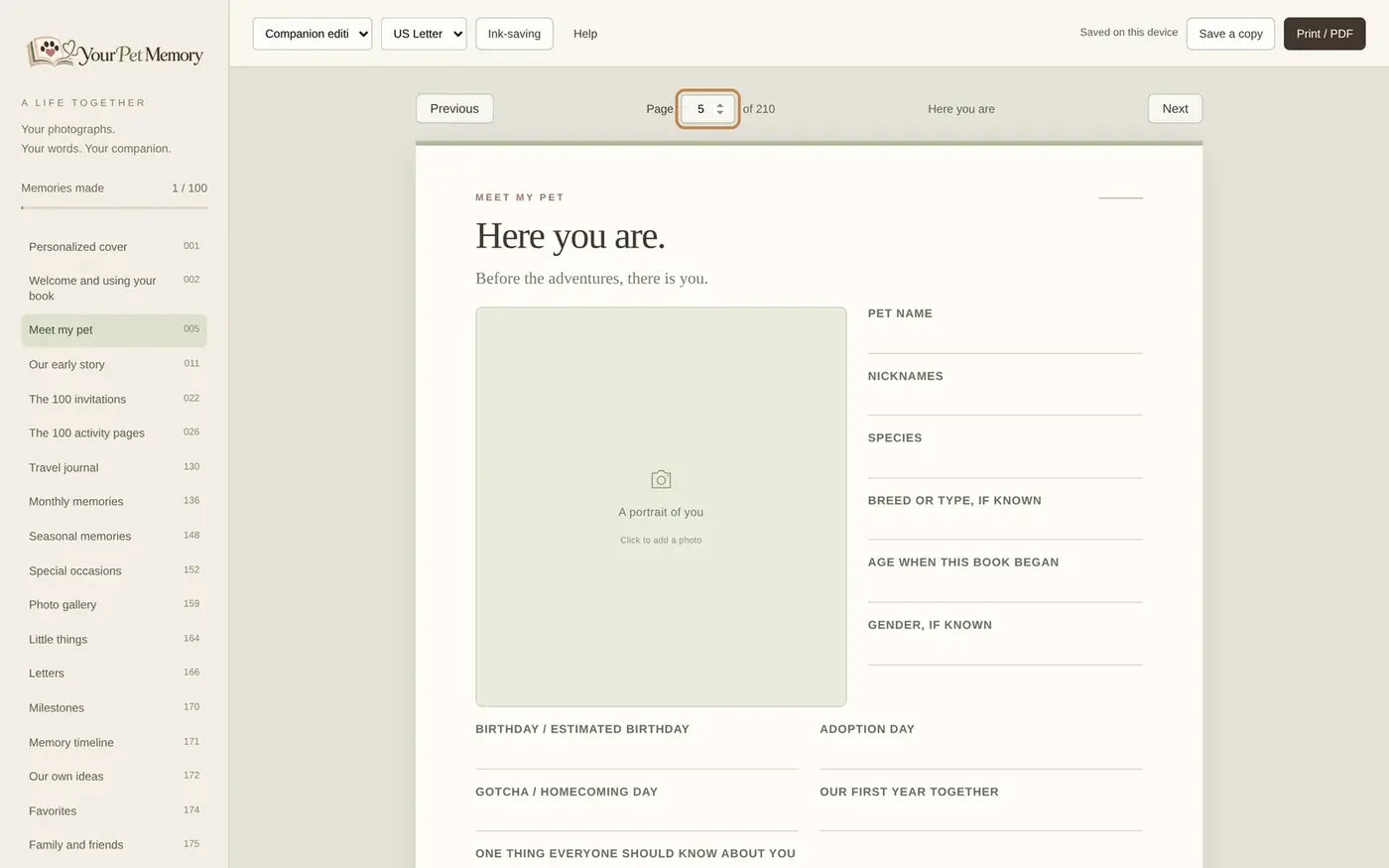
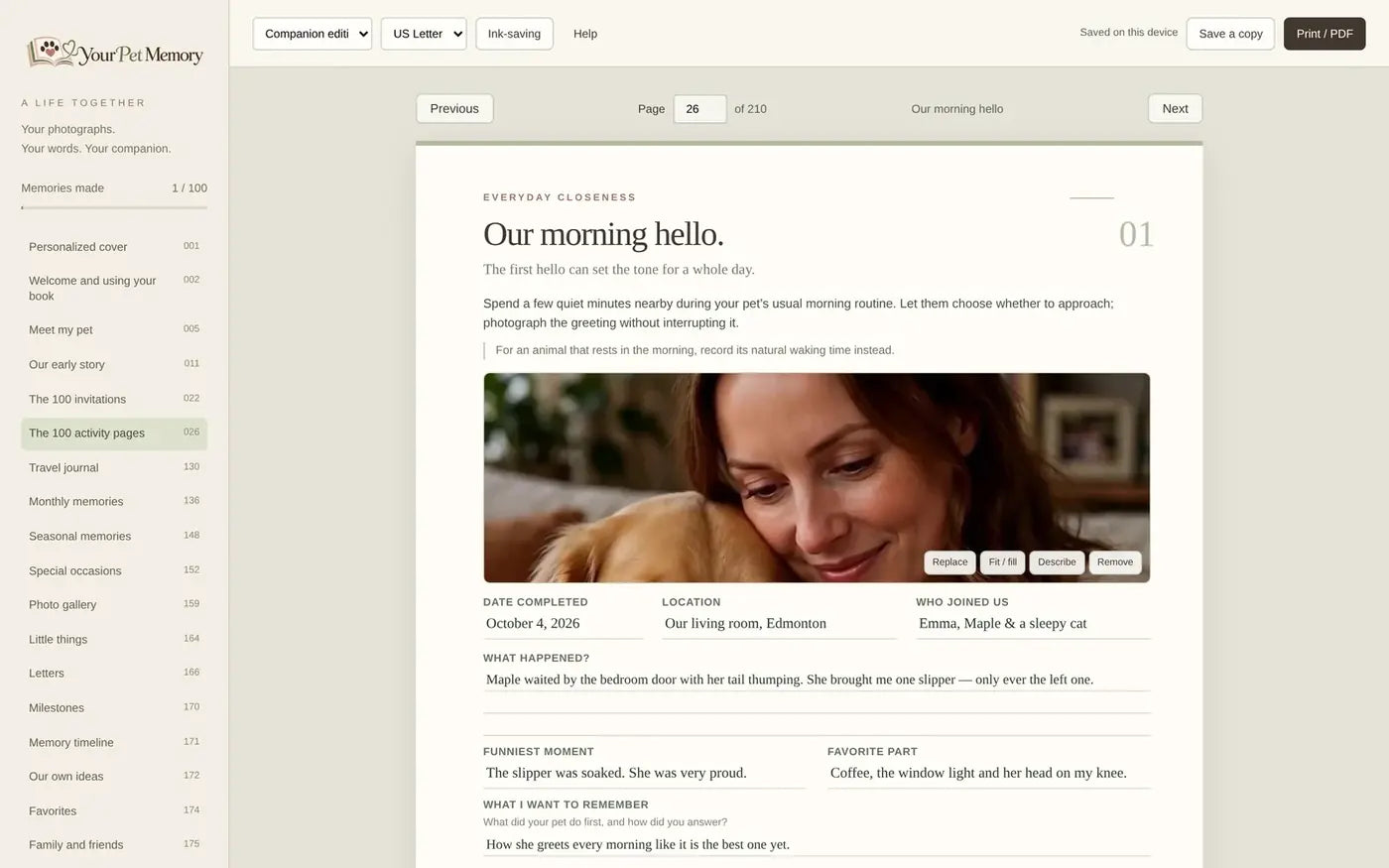
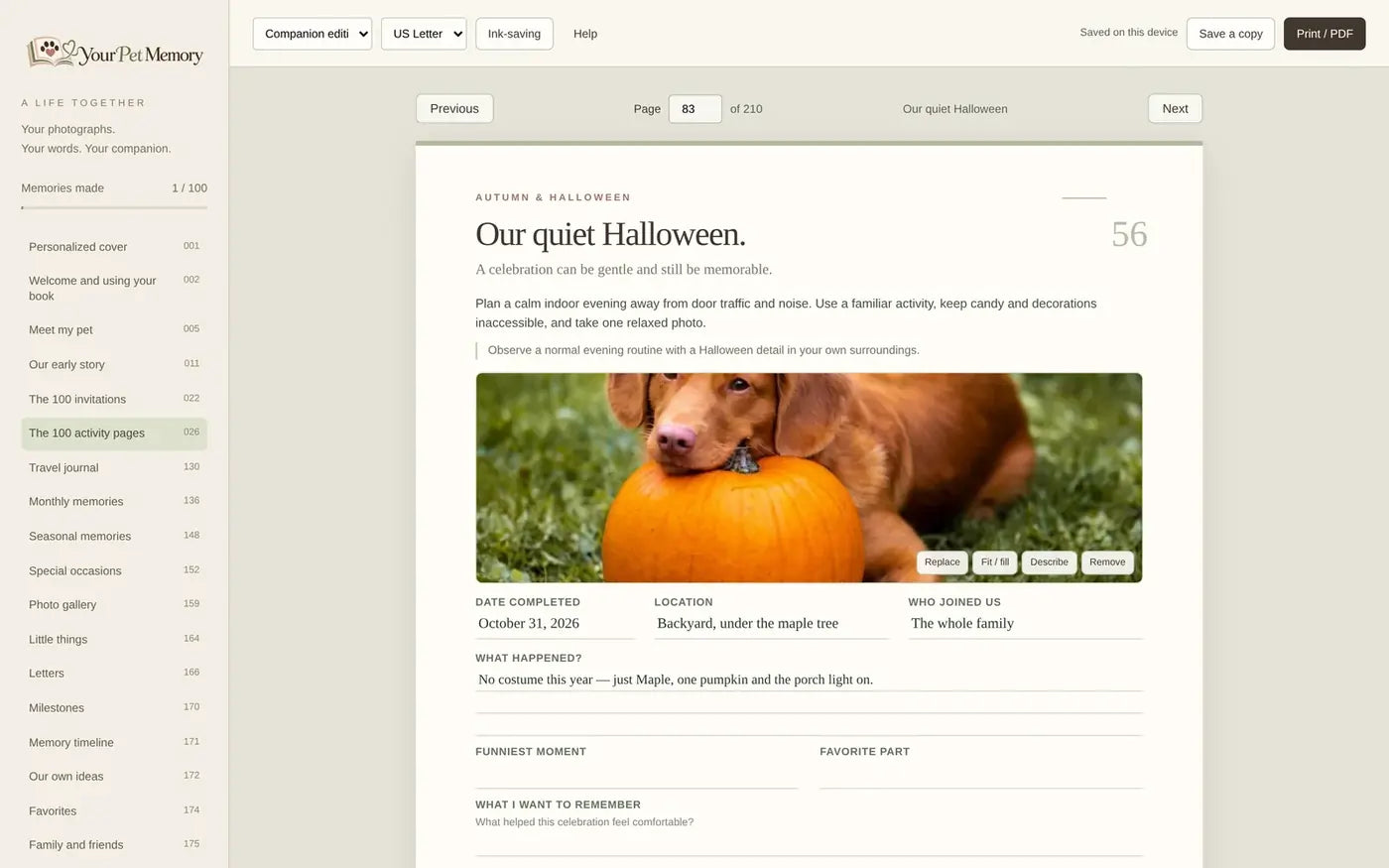
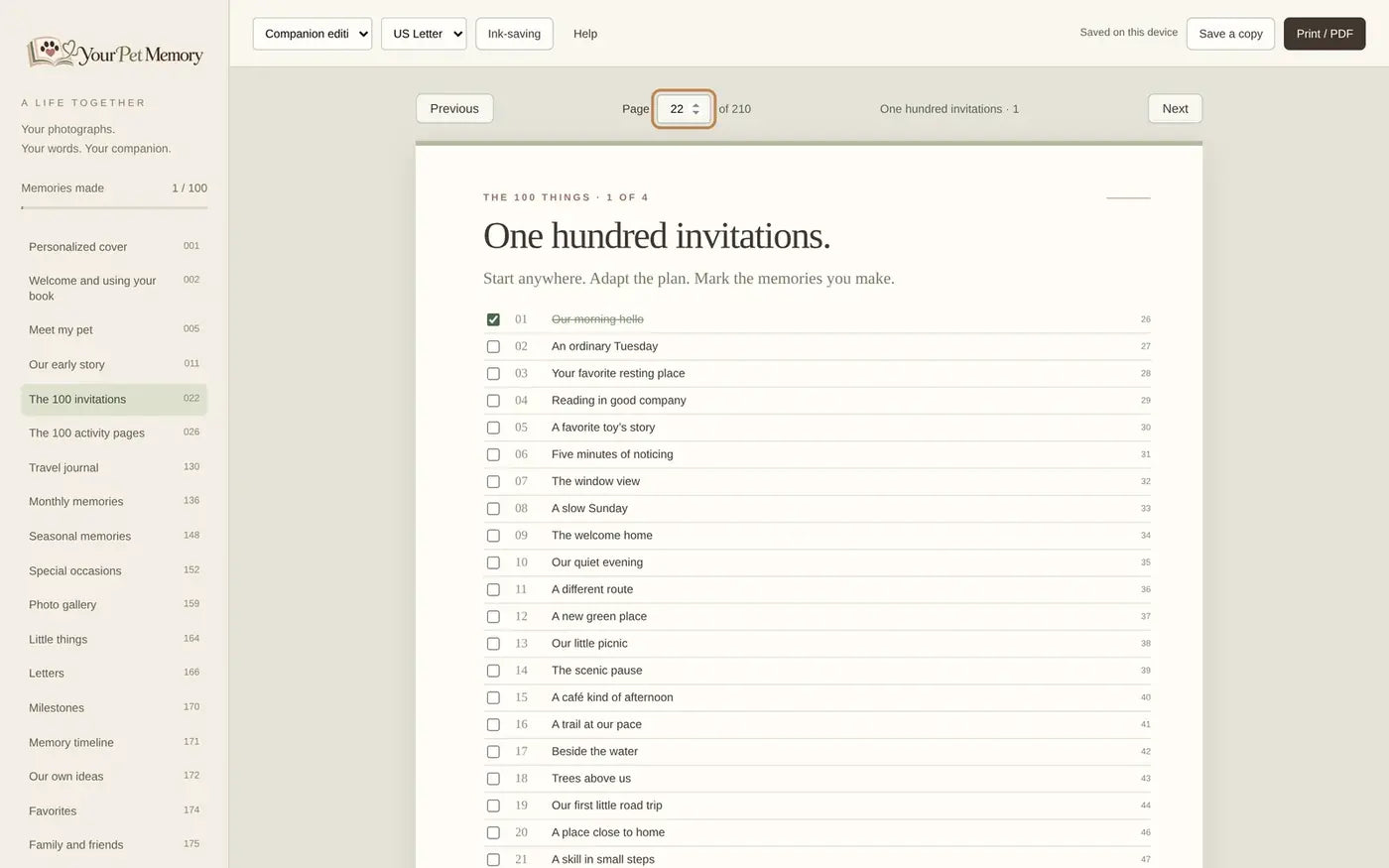
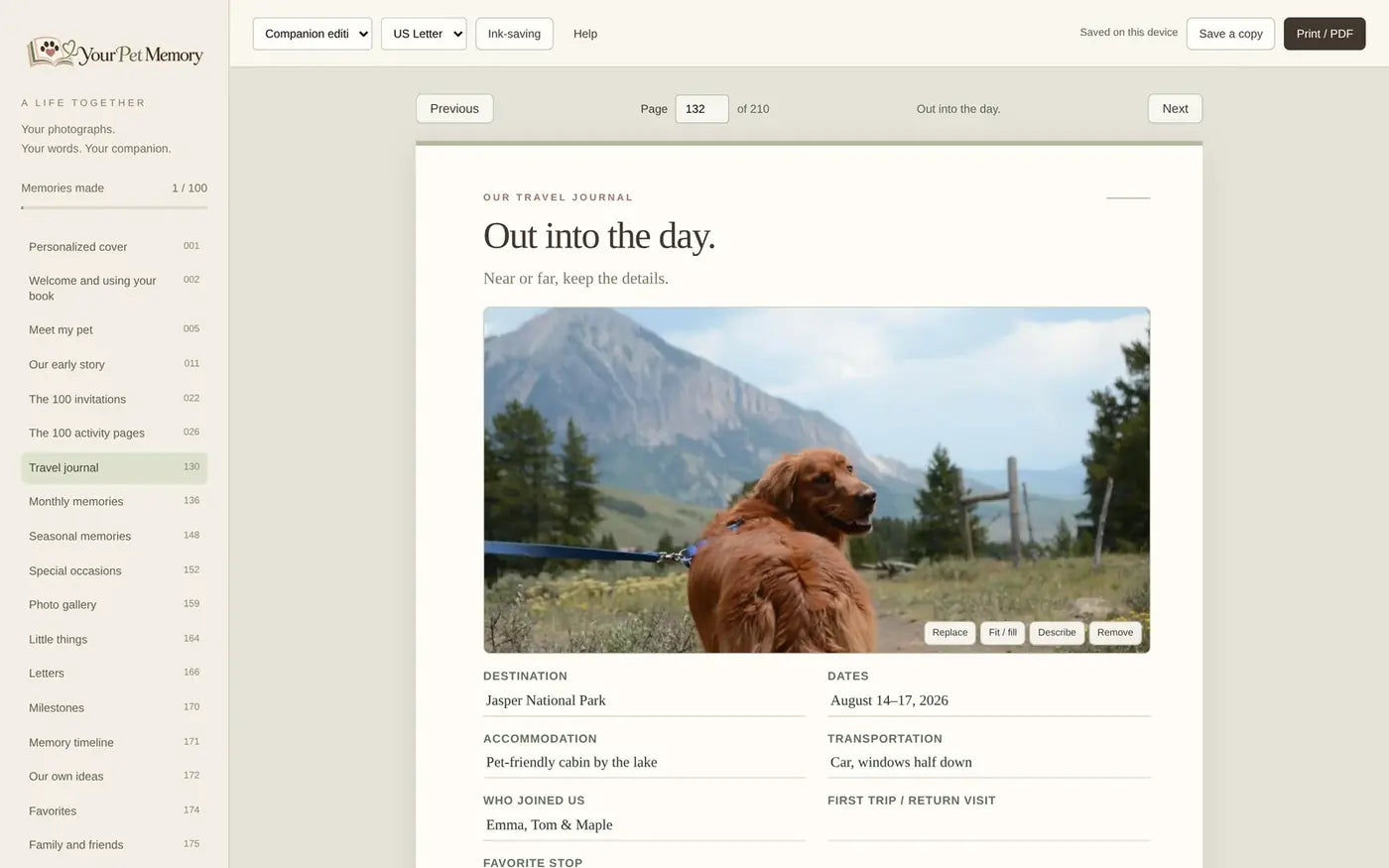
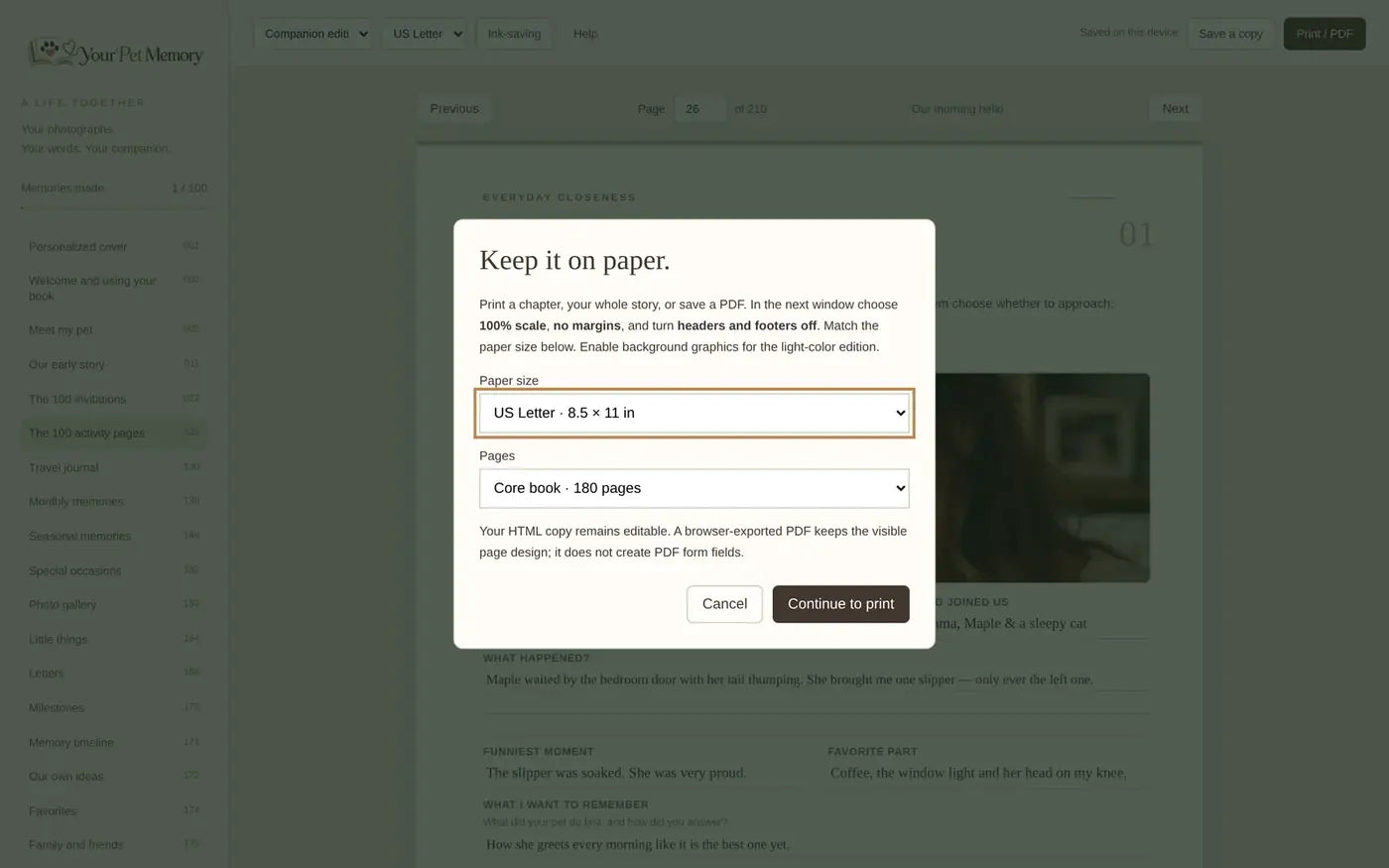
Real screens from the interactive book. Sample entries shown.
After checkout you receive two separate links:
Save both somewhere easy to find, such as a folder called “Your Pet Memory”.
Double-click the HTML file, or right-click and choose Open with your browser (Chrome, Edge, Safari or Firefox). Use a laptop or desktop with JavaScript enabled for the best experience. If you’re previewing inside an email or app and something doesn’t work, open the file in your regular desktop browser.
At the top of the book, pick the Companion, Dog or Cat edition, and choose US Letter or A4.
Click any photo frame to add a JPG, PNG or WebP image. Hover over (or tab to) a photo to Replace it, switch between Fit / Fill, add a Description or Remove it. Photos are optimized inside the book, so keep your original files too.
Click a writing area to type. Activity pages include date, location, who joined us, what happened, funniest moment, favorite part and what I want to remember, plus a 1–5 rating, “Again?” and an optional video or audio link. For longer stories, use the extra journal pages.
Tick Completed on an activity page or in the overview. Your “Memories made” counter updates everywhere.
Use the chapter list on the left (or the chapter menu on small screens), the Previous / Next buttons, or type a page number.
The book remembers your work in your browser on this device, but browser storage can be cleared. Click Save a copy, then Download your book. The downloaded HTML file contains your words and photographs. Keep it, and your original photos, in a safe place — ideally in two places, such as your computer and a cloud drive. To keep working, open your newest saved copy.
Click Print / PDF, choose your paper size and what to print: the current page, the core book (180 pages), the reusable extras (30 pages) or everything (210 pages). In your browser’s print window, set the same paper size, 100% scale, no margins, turn headers and footers off and enable background graphics. Choose Save as PDF instead of a printer to make a PDF. Turn on Ink-saving to remove decorative fills. Print a test page first.
Note: your HTML copy stays editable. A PDF exported from the browser preserves the visible pages but doesn’t contain fillable form fields.
Print the PDF at home or at a print shop, write by hand and add printed photos. Many people keep their pages in a binder and add a season at a time.
Email support@yourpetmemory.com — a real person will reply.
Inside the experience
One self-contained file that opens in your browser. No account, no subscription, no paid app.
Add JPG, PNG or WebP images into frames on every page. Replace, fit or fill, describe or remove them anytime.
Type directly into guided spaces: what happened, the funniest moment, your favorite part and what you want to remember.
Mark activities complete on their page or in the overview. Progress stays synchronized across the book.
Download a personalized HTML file that contains your words and photographs.
Once downloaded, the file works without an internet connection in supported desktop browsers.
Print the current page, the core book, the bonus pages or everything — or save them as a PDF.
Choose your paper size before printing. Pages are designed edge to edge for both.
Reduce decorative fills when you print at home. Your words and photos stay crisp.
Where it works
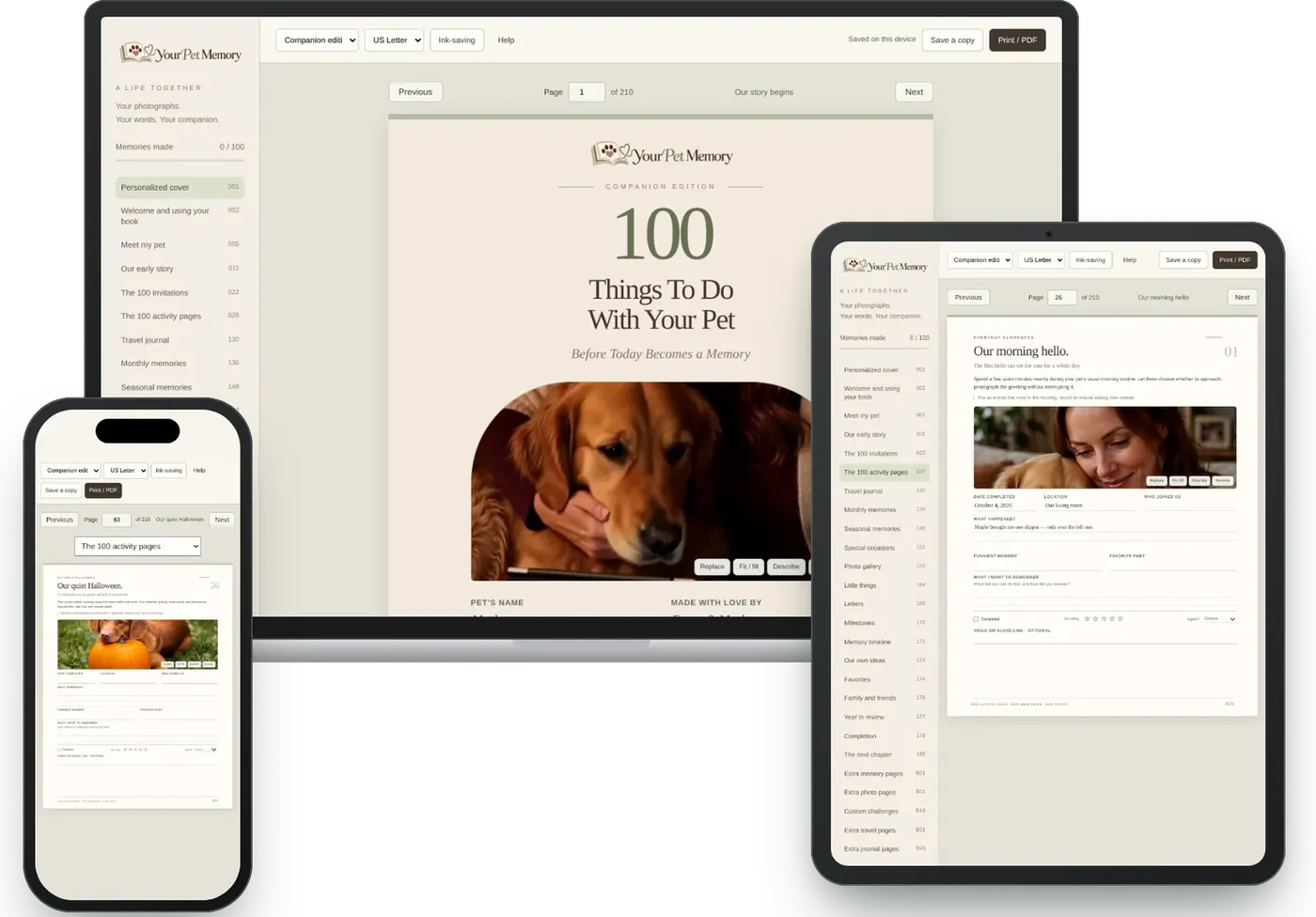
Your Pet Memory is a single HTML file that runs in a modern browser with JavaScript enabled. For the most comfortable writing, saving and printing, we recommend a laptop or desktop.
The most comfortable way to type, add photos, save your copy and print.
Opens in modern tablet browsers with an adaptive layout. Use a computer to save and print most reliably.
Opens and adapts to small screens — handy for checking a page. Longer writing is easier on a bigger screen.
Print the PDF and write by hand. No battery required.
Questions
The book remembers your work in your browser’s storage on that device. Browser storage can be cleared, so use Save a copy → Download your book regularly. This downloads a personalized HTML file that contains your words and photographs. Keep that copy, and your original photos, somewhere safe.
Yes. Once downloaded, the HTML file runs without an internet connection in a compatible desktop browser with JavaScript enabled.
It’s one self-contained HTML file that opens in modern browsers such as Chrome, Edge, Safari and Firefox. For writing, saving and printing we recommend a laptop or desktop computer. The layout also adapts to tablets and phones; however, saving a downloaded copy and printing can behave differently in mobile browsers and in-app previews, so we suggest using a computer for those steps.
Yes, in two ways. Print the included printable PDF, or use Print / PDF inside the interactive version to print the current page, the core book (180 pages), the reusable extras (30 pages) or everything (210 pages). For best results choose 100% scale, no margins, turn headers and footers off and enable background graphics.
Yes. In the interactive version choose Print / PDF, then choose “Save as PDF” in your browser’s print window. Your photos and words appear exactly as they look on the page.
No. A browser-exported PDF preserves the visible pages, but it does not create fillable PDF form fields. Your editable copy is always the HTML file. The included printable PDF is designed for writing by hand.
Both. The interactive version prints on US Letter or A4 — just pick the paper size in the Print / PDF window. The included printable PDF is formatted for US Letter; for A4 sheets, print from the interactive version and choose A4.
Ink-saving mode removes decorative background fills so your pages use less ink. We recommend printing a test page first.
Still wondering? Write to us at support@yourpetmemory.com — a real person answers.

