Pet Memories
How to Take Good Pictures of Your Dog (Even With Just Your Phone)
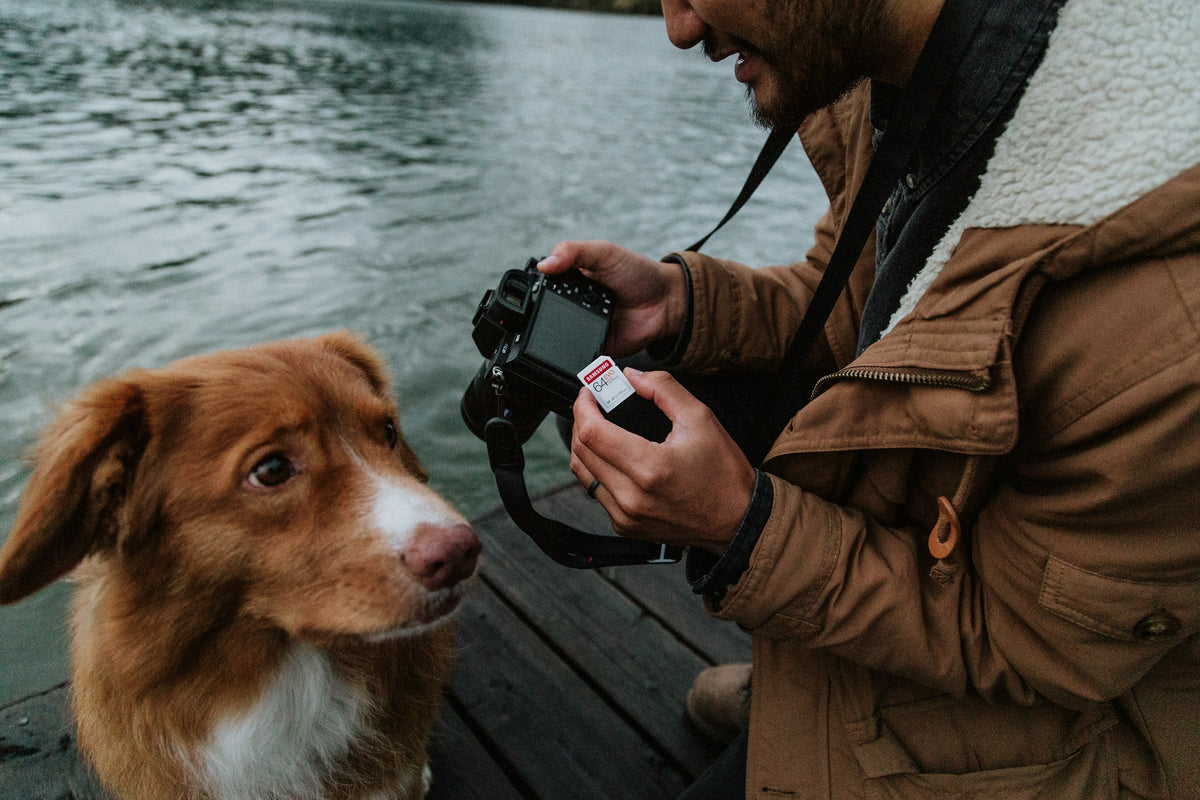
Quick answer: For better dog photos, use soft natural light, get down to your dog’s eye level, tap to focus on the eyes, use burst mode for movement, and keep a squeaky toy or treat just above the lens to get their attention. Clean your lens, avoid digital zoom, and take lots of shots — then keep only the ones with a story.
Dogs are wonderful photo subjects and terrible models. They move, they sniff, they turn away at the exact moment you press the button. These techniques work with any modern smartphone.
Looking for what to photograph? See our shot list: 20 dog photography ideas. This guide is about how.
12 tips for better photos of your dog
1. Find soft light
Light matters more than any camera. The best is soft, indirect light: near a window indoors, on an overcast day, or in the hour after sunrise and before sunset outdoors. Harsh midday sun creates squinting and deep shadows.
2. Get down to their level
Photos taken from standing height make dogs look small and distant. Kneel, sit or lie down so the lens is at your dog’s eye level.
3. Focus on the eyes
Tap the screen on your dog’s nearest eye. On many phones, press and hold to lock focus and exposure.
4. Use burst mode for action
For running, catching or shaking off water, hold the shutter (or the burst option on your phone) to capture a sequence, then pick the best frame.
5. Get their attention — briefly
Hold a treat or squeaky toy just above the lens, or make a new sound. Novel noises work once or twice, so save them for the important shot. Reward afterward.
6. Clean your lens
A quick wipe removes the haze from pocket fluff and nose prints. It’s the easiest fix for “soft” photos.
7. Don’t zoom digitally
Move closer instead, or use your phone’s dedicated telephoto lens if it has one (often labelled 2x, 3x or 5x).
8. Use portrait mode for close-ups
Portrait mode blurs the background and makes your dog stand out. It works best with a still dog and good light.
9. Keep the background simple
Move a little to remove clutter, bins or bright objects behind your dog. Grass, a plain wall, a sofa throw or the sky all work.
10. Photograph dark and light coats carefully
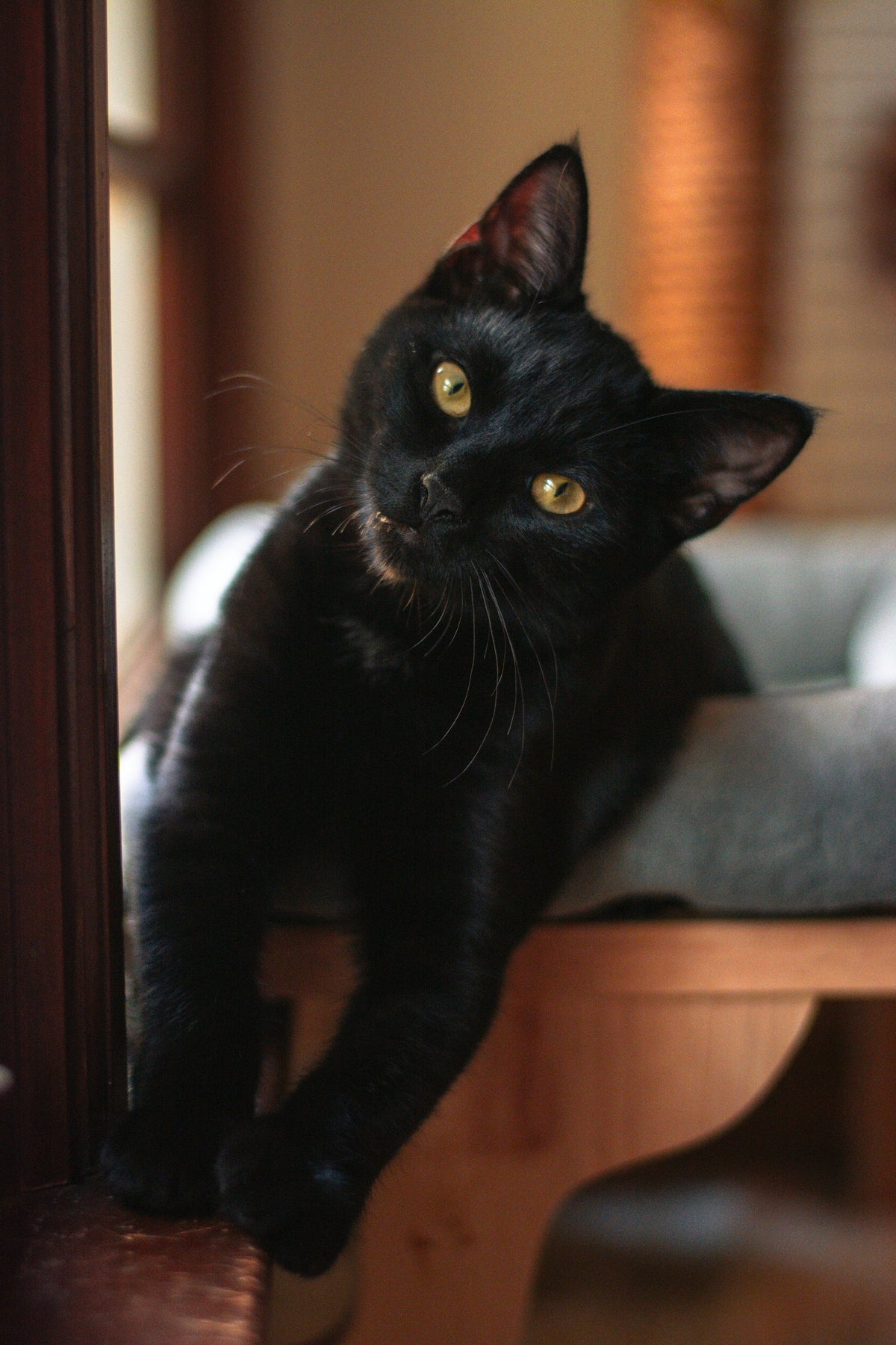
For black dogs, use soft, bright light and tap to expose for the coat. For white dogs, avoid harsh sun and lower the exposure slightly so fur doesn’t lose detail.
11. Include yourself sometimes
Hand the phone to a friend, or use a timer. Years from now, the photos of the two of you together will matter most.
12. Take the candid shots
The yawn, the sleepy sprawl, the head on the car window. Perfect portraits are lovely, but the everyday moments tell the real story.
Quick settings cheat sheet
| Situation | Try |
|---|---|
| Running or playing | Burst mode, bright light, stand to the side of their path |
| Portrait | Portrait mode, eye level, focus on eyes |
| Indoors | Near a window, turn off overhead lights, hold steady |
| Low light | Night mode with a still dog; brace your elbows |
| Sunset | Tap on the brightest sky area for silhouettes, or on the dog for detail |
Keep it fun for your dog
- Short sessions — a few minutes, then play.
- Lots of rewards.
- Stop if your dog is turning away, licking lips or yawning repeatedly; they’ve had enough.
- Never force costumes or poses.
A dog who knows a “watch me” cue is much easier to photograph — see why dogs stare at us for how to teach it.
What to do with all those photos
The average phone fills up fast. Every few weeks, pick your favorites, add them to an album, and write one or two lines about what happened. Our guide to organizing thousands of pet photos walks you through it.
Keep the story behind the photos
A photo shows what your dog looked like. It rarely tells you where you were, who came along, or why that afternoon was so good. Your Pet Memory gives every shared experience its own page, with a frame for your photo and simple prompts for the story — so the picture and the memory stay together.
FAQ
How do I get my dog to look at the camera?
Hold a treat or toy just above the lens, use a new sound once, and reward immediately. Teaching “watch me” makes it easier.
Why are my dog photos always blurry?
Usually movement in low light. Find brighter light, use burst mode, and steady your phone.
What’s the best time of day for dog photos?
Early morning and late afternoon (“golden hour”), or anytime on a bright overcast day.
Should I use flash on my dog?
It’s best avoided. Flash can startle dogs and creates harsh light and glowing eyes. Use window light instead.
Related reading